Run OpenCode Against AnyRouter
Point OpenCode at AnyRouter so every coding session is billed once, logged, and free to use any Chat Completions model in the catalog.
Point OpenCode at AnyRouter and every session is billed once through your AnyRouter account, recorded in your request logs, and free to call any Chat Completions model in the catalog — including models OpenCode Zen does not list.
The idea
OpenCode speaks the OpenAI Chat Completions protocol, and AnyRouter exposes a fully compatible /api/v1 endpoint. Drop AnyRouter in front of OpenCode with no change to how you use the TUI: register it as a custom @ai-sdk/openai-compatible provider (or let the AnyRouter CLI inject that provider for one session), and AnyRouter translates each call to whatever the upstream model expects.
flowchart LR
  oc["OpenCode"] -->|Chat Completions| ar["AnyRouter"]
  ar --> a["Anthropic models"]
  ar --> z["Z-AI / GLM"]
  ar --> o["Other providers"]
  ar --> logs["Request logs · one bill"]
How it works
- One bill — every session draws from one AnyRouter balance (or your BYOK provider accounts) instead of separate per-provider invoices.
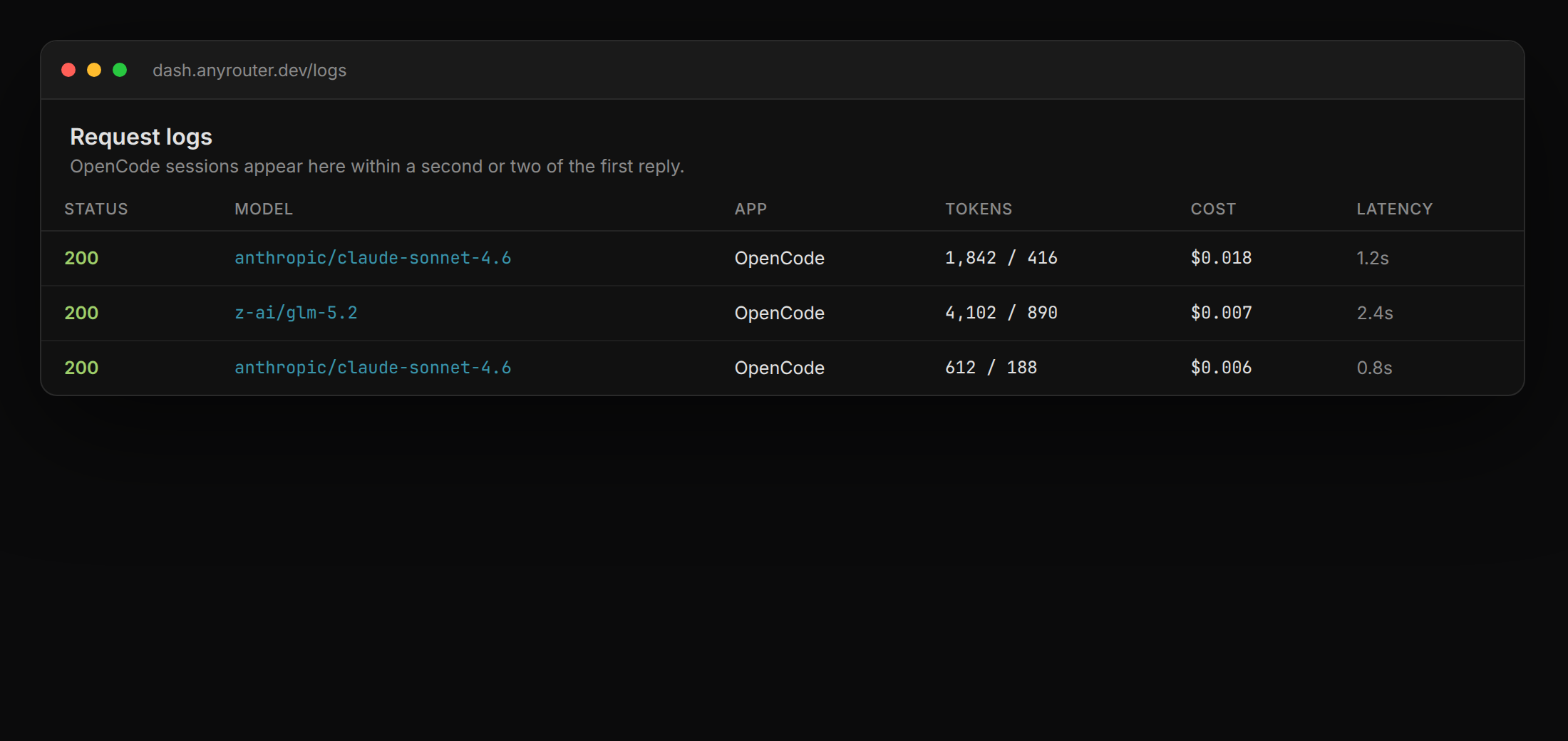
- Request logs — each OpenCode call is recorded in your request logs for debugging and audit.
- Any model — switch the coding model in
/modelswithout touching OpenCode's own auth for each vendor. - Correct context — catalog context windows flow into OpenCode's
limit.contextandlimit.output, so the agent does not undersize a 1M-token model.
Implementation
The AnyRouter CLI launches OpenCode with the right provider already set — no install of extra packages and no manual opencode.json.
anyr opencode
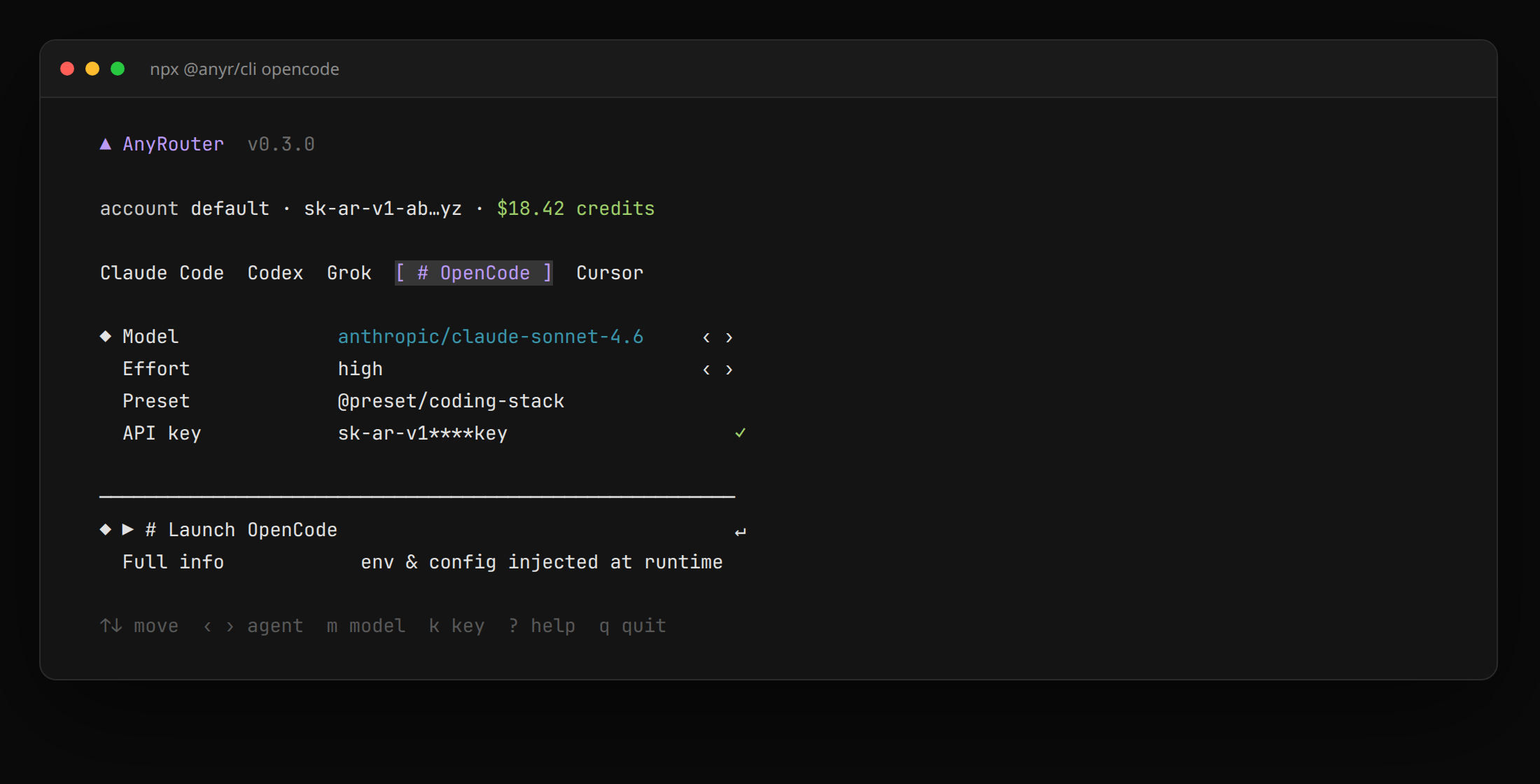
The first run asks how you want to connect — paste an sk-ar- key or log in at anyrouter.dev — and saves your profile to ~/.anyrouter/config.yaml. Every run after that goes straight into OpenCode.
Pin a model per session:
anyr opencode --model "anthropic/claude-sonnet-4.6"
anyr opencode --model "z-ai/glm-5.2"
auto lets your pinned preset choose the model. Anything after -- is forwarded to OpenCode itself:
anyr opencode --model auto -- --help
Register AnyRouter once in ~/.config/opencode/opencode.json so a bare opencode command uses it:
{
  "$schema": "https://opencode.ai/config.json",
  "provider": {
    "anyrouter": {
      "npm": "@ai-sdk/openai-compatible",
      "name": "AnyRouter",
      "options": {
        "baseURL": "https://anyrouter.dev/api/v1",
        "apiKey": "{env:ANYROUTER_API_KEY}"
      },
      "models": {
        "anthropic/claude-sonnet-4.6": {
          "name": "Claude Sonnet 4.6",
          "limit": { "context": 200000, "output": 65536 }
        }
      }
    }
  },
  "model": "anyrouter/anthropic/claude-sonnet-4.6"
}
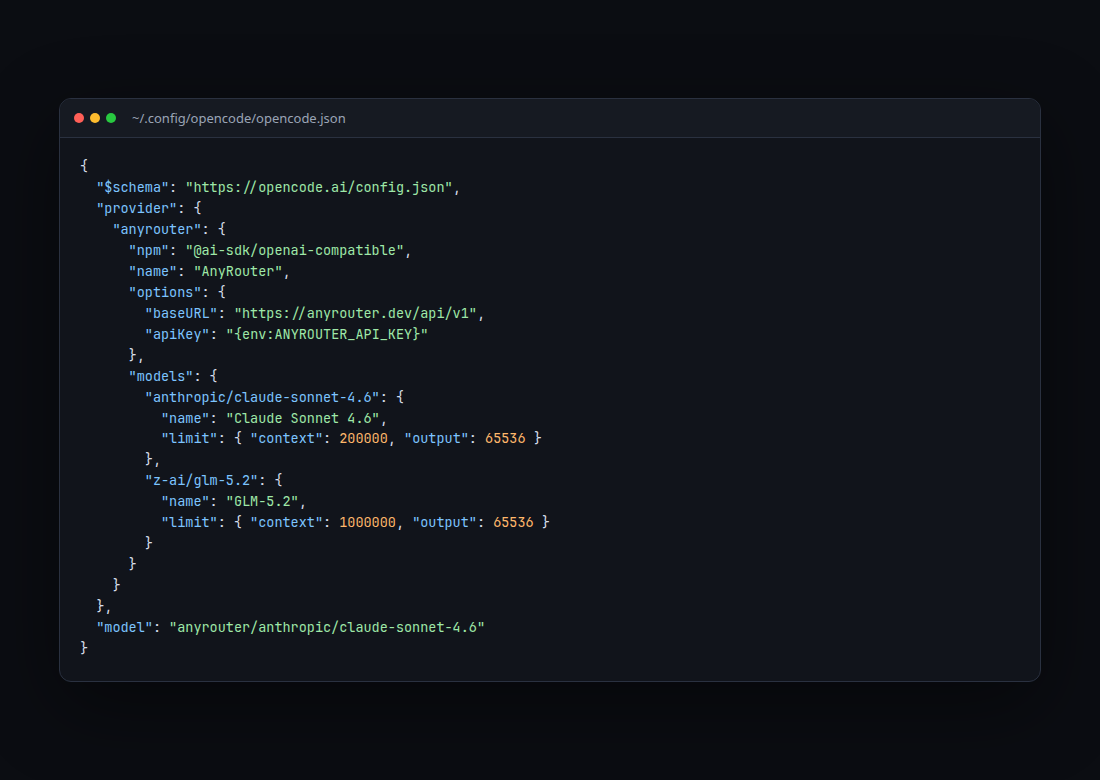
Export ANYROUTER_API_KEY first (create the key in your dashboard). Then run opencode and pick anyrouter/… in /models.
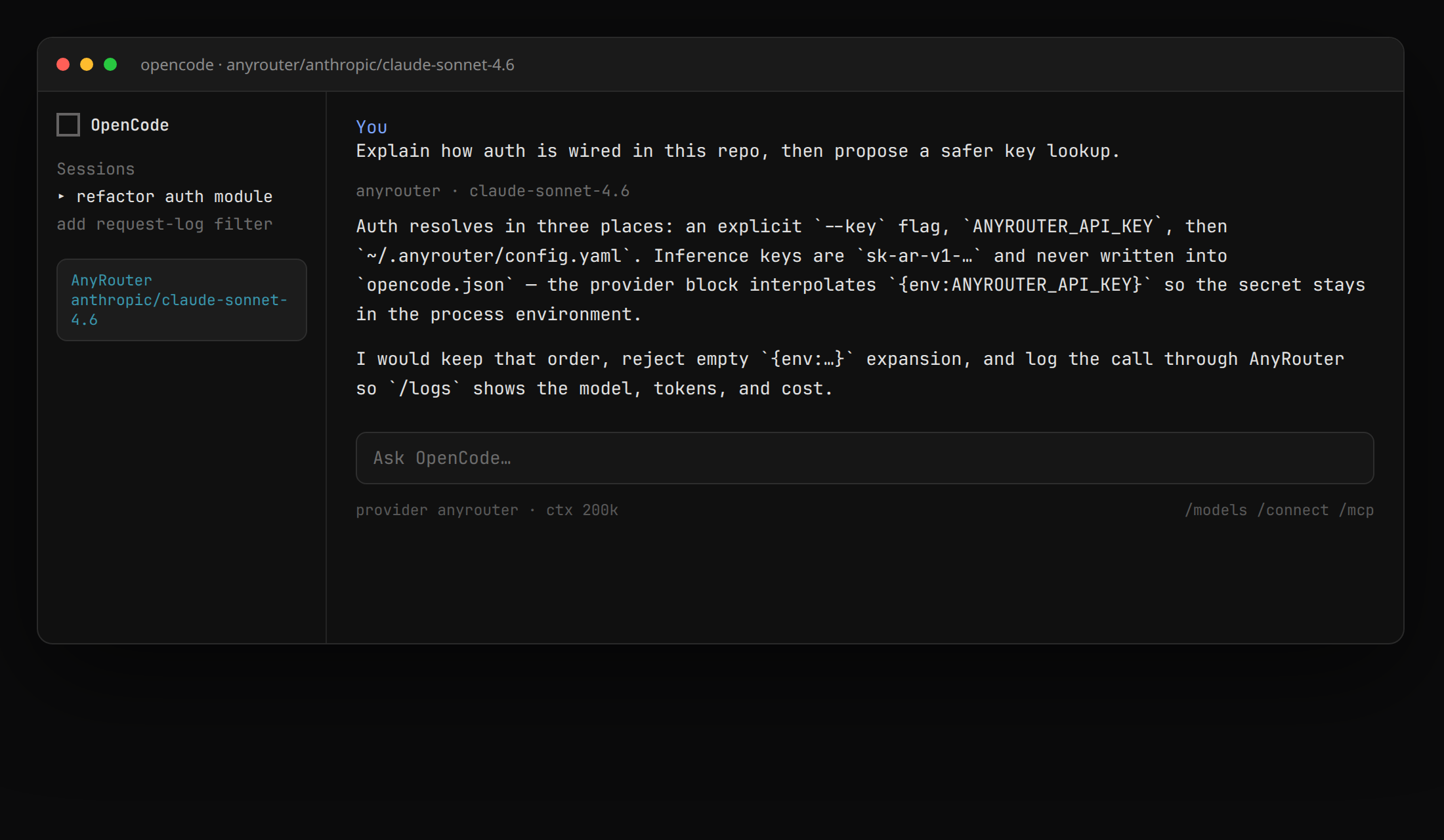
Because AnyRouter is just the Chat Completions backend, you can run OpenCode on non-OpenAI models. Bring your own Z-AI key and run GLM:
anyr opencode --model "z-ai/glm-5.2"
Browse everything OpenCode can call by filtering the catalog to Chat-Completions-compatible models: anyrouter.dev/models?endpoint=chat-completions.
After the first prompt, open request logs — the row is the proof the session billed through AnyRouter.