
AnyRouter MCP with OpenCode
Add the AnyRouter MCP server to OpenCode via a project-local or global opencode.json.
OpenCode registers MCP servers from opencode.json — scope it to one project, or make AnyRouter available globally. This is the tools connection (catalog, credits, keys). To route OpenCode's inference through AnyRouter, use the OpenCode guide instead.
-
Add the AnyRouter server to
./opencode.jsonat the repo root:{ "$schema": "https://opencode.ai/config.json", "mcp": { "anyrouter": { "type": "remote", "url": "https://anyrouter.dev/api/v1/mcp", "enabled": true } } }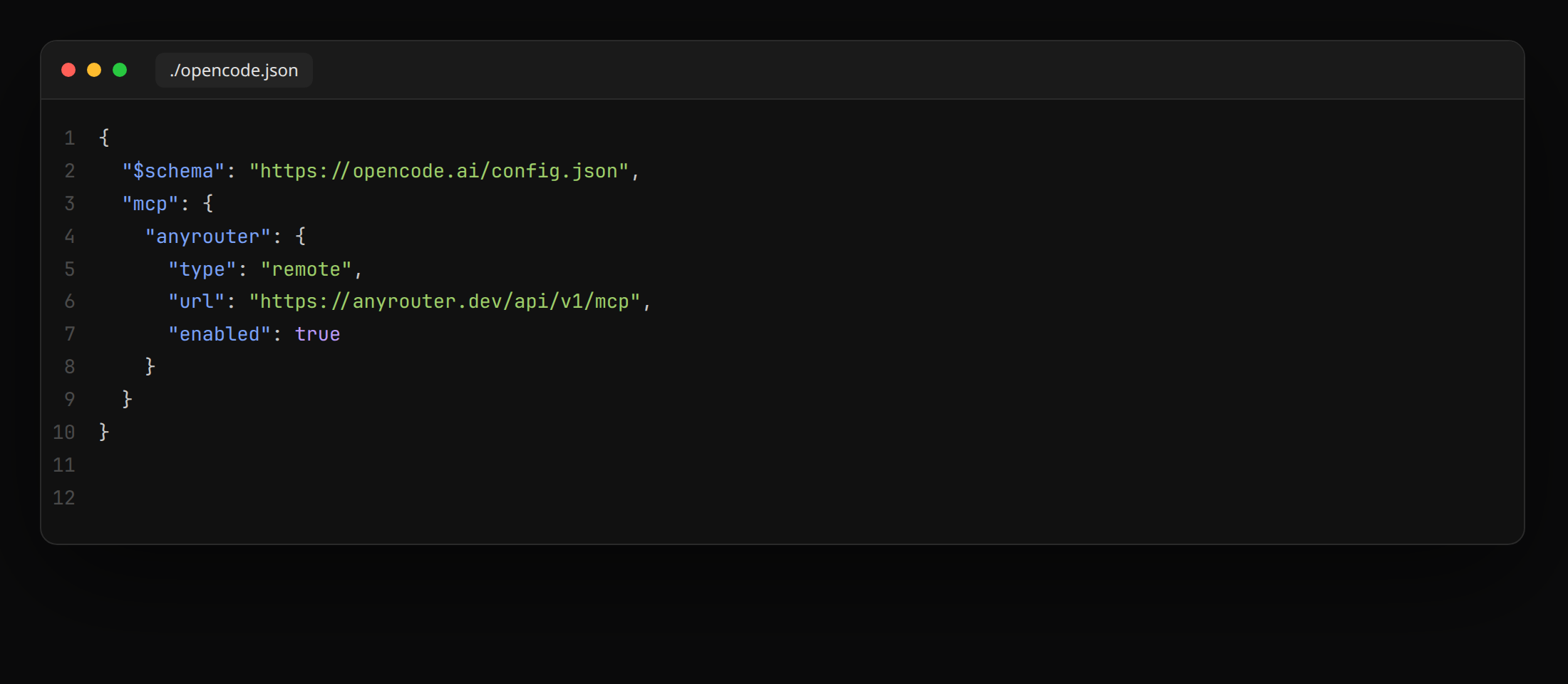
Key fields:
type: "remote"— AnyRouter is a remote HTTP MCP server, not a stdio child.url— the endpoint, identical for every client.enabled: true— flip tofalseto keep the entry but disable it.
-
Restart OpenCode. The next tool call opens
anyrouter.dev/oauth/consent— pick a permission level (Read-only is the default and safest) and click Allow.
-
Add the same server block to
~/.config/opencode/opencode.jsonso AnyRouter is available across every project:{ "$schema": "https://opencode.ai/config.json", "mcp": { "anyrouter": { "type": "remote", "url": "https://anyrouter.dev/api/v1/mcp", "enabled": true } } } -
Restart OpenCode. The next tool call opens
anyrouter.dev/oauth/consent— pick a permission level and click Allow.
You can keep the MCP block next to an AnyRouter provider block in the same file — inference and tools are independent. See the OpenCode guide for the provider.
Verify
In any OpenCode chat, ask "how many AnyRouter credits do I have left?". The agent calls get_credits and reports the balance. "What AnyRouter models support tools?" calls list_models.
Revoke
- OpenCode side — set
"enabled": falseinopencode.json, or delete the entry entirely. - AnyRouter side — revoke the OAuth token from the MCP dashboard. Subsequent tool calls return
401 Unauthorizeduntil you reconnect.