
OpenCode
Point OpenCode at AnyRouter so every coding session uses one key, unified billing, and any Chat Completions model in the catalog.
Point OpenCode at AnyRouter and every session runs through one gateway: unified billing, request audit logs, and a single sk-ar- key that reaches every model AnyRouter serves. OpenCode speaks the OpenAI-compatible wire protocol, so this is a config-only change — no OpenCode fork, no rebuild.
Why route through AnyRouter
- Drop-in. Zero code changes. The fastest path is one command; the manual path is one provider block in
opencode.json. - One key. A single AnyRouter API key unlocks the catalog — swap Claude, GLM, Gemini, or GPT without rotating credentials.
- Audit logs. Every request lands in your dashboard with cost, latency, and token usage.
- Correct context windows. The CLI writes OpenCode's
limit.contextandlimit.outputfrom the catalog so the TUI sizes conversations correctly.
This is the narrative "use OpenCode with AnyRouter" guide. For the full command reference — flags, profiles, --dry-run, and the login flow — see the canonical OpenCode CLI setup. To add AnyRouter as an MCP server (catalog, credits, keys inside the chat), see AnyRouter MCP with OpenCode.
Before you start
- OpenCode installed (
opencodeon your$PATH). - An AnyRouter account. Create a key in the dashboard if you will configure OpenCode by hand — every inference key starts with
sk-ar-.
Set it up
One command handles login, the key, and a session-only OpenCode provider:
curl -fsSL https://anyrouter.dev/setup.sh | bash
anyr opencode
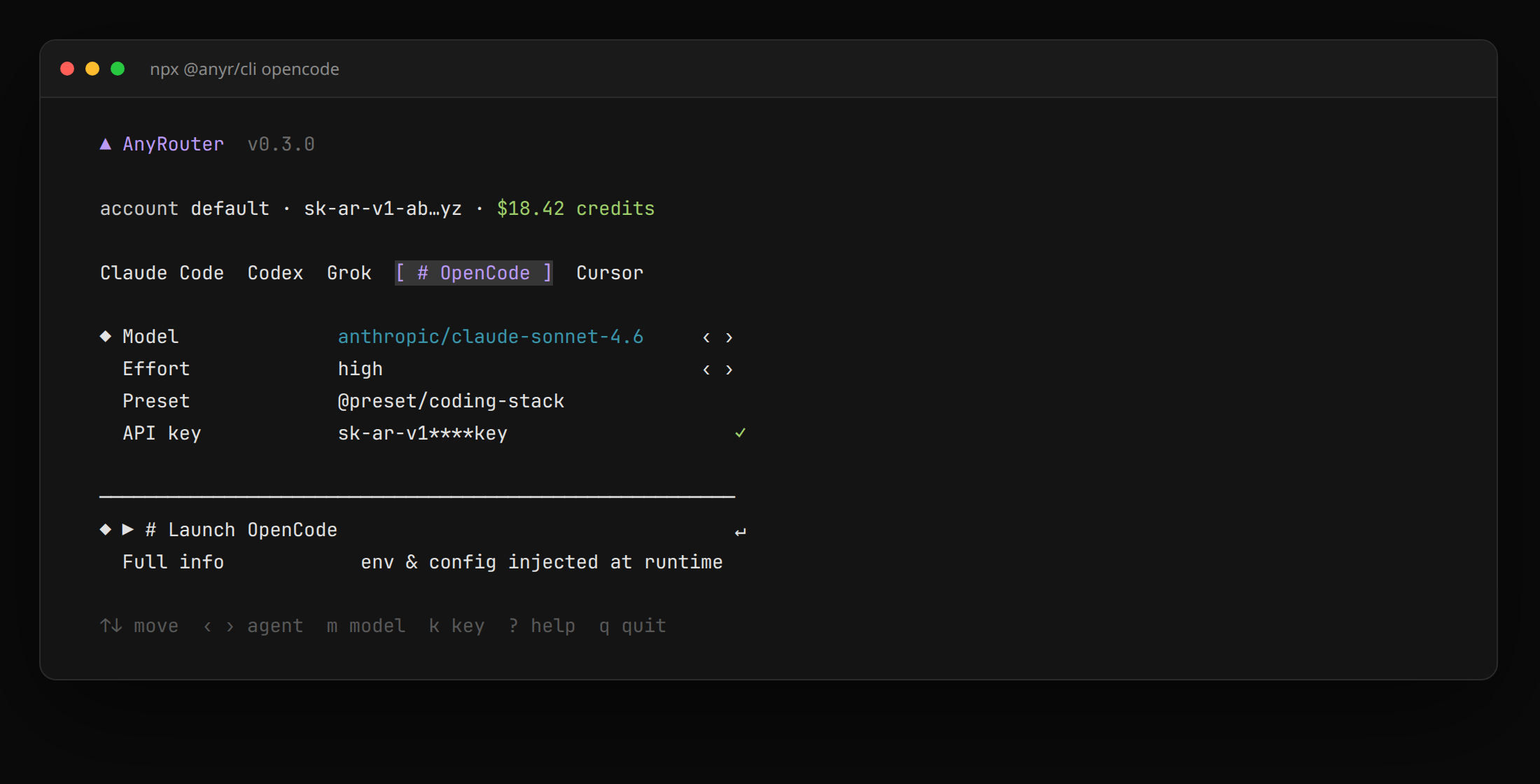
The first run opens anyrouter.dev (or a device code on SSH). After that, the same stored profile launches OpenCode with AnyRouter already selected.
Pin a model or forward flags:
anyr opencode --model "z-ai/glm-5.2"
anyr opencode --model auto -- --help
Full options are in the CLI reference.
Use this when you want opencode (not the AnyRouter CLI) to talk to AnyRouter every time.
Step 1 — Export your AnyRouter key
export ANYROUTER_API_KEY="sk-ar-your-anyrouter-key"
Step 2 — Add the AnyRouter provider
Create ~/.config/opencode/opencode.json (every project) or ./opencode.json (this repo):
{
  "$schema": "https://opencode.ai/config.json",
  "provider": {
    "anyrouter": {
      "npm": "@ai-sdk/openai-compatible",
      "name": "AnyRouter",
      "options": {
        "baseURL": "https://anyrouter.dev/api/v1",
        "apiKey": "{env:ANYROUTER_API_KEY}"
      },
      "models": {
        "anthropic/claude-sonnet-4.6": {
          "name": "Claude Sonnet 4.6",
          "limit": { "context": 200000, "output": 65536 }
        },
        "z-ai/glm-5.2": {
          "name": "GLM-5.2",
          "limit": { "context": 1000000, "output": 65536 }
        }
      }
    }
  },
  "model": "anyrouter/anthropic/claude-sonnet-4.6"
}
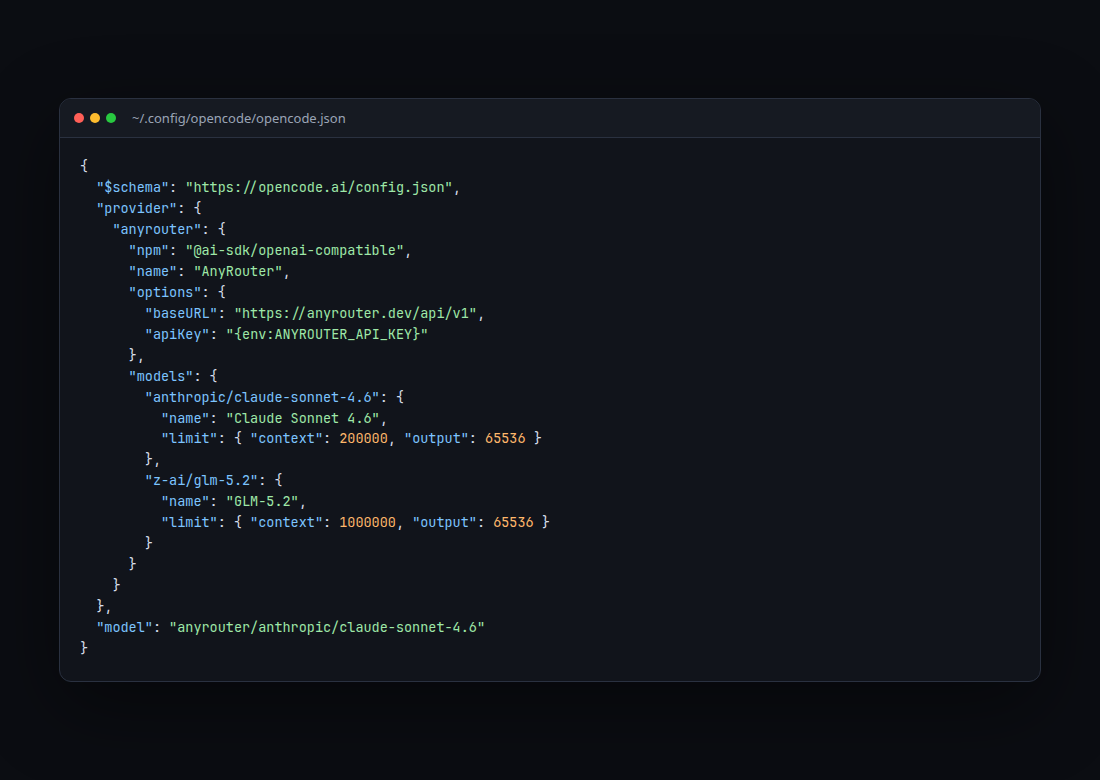
apiKey is the environment variable name in {env:…} form — never the secret itself.
Step 3 — Launch OpenCode and pick the model
opencode
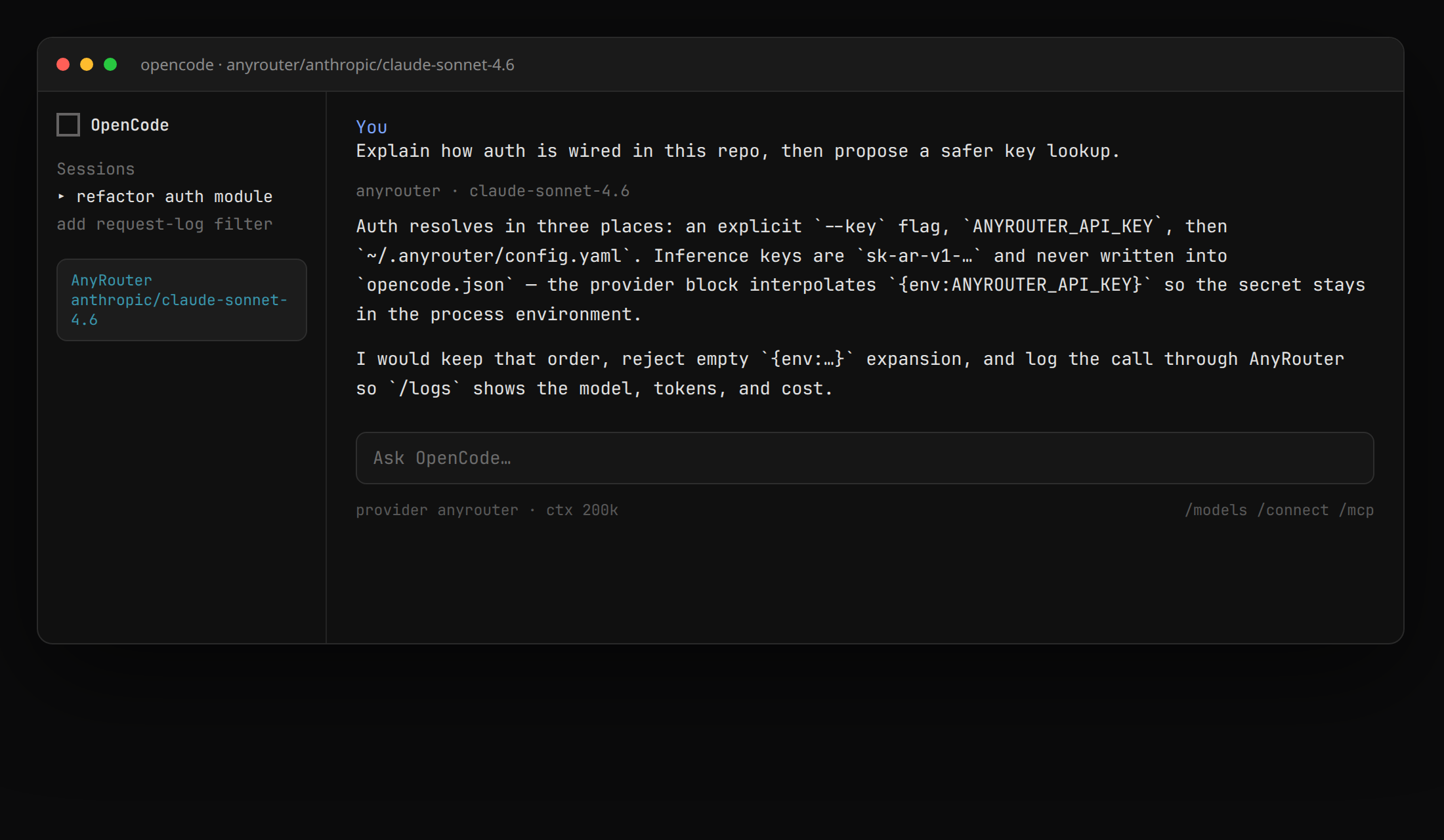
Open /models and choose an anyrouter/… id. The TUI labels the provider AnyRouter.
What a session looks like
flowchart LR
  oc["OpenCode"] -->|Chat Completions| ar["AnyRouter"]
  ar --> a["Anthropic · OpenAI · Gemini"]
  ar --> z["Z-AI / GLM"]
  ar --> o["Other providers"]
  ar --> logs["Request logs · one bill"]
OpenCode sends /v1/chat/completions to https://anyrouter.dev/api/v1. AnyRouter authenticates the sk-ar- key, picks an upstream (including your BYOK keys), and records the call.
Verify
Run any prompt, then confirm it routed through AnyRouter:
anyr opencode
Open your request logs — the call should appear within a second or two, with the model name, token counts, and cost.
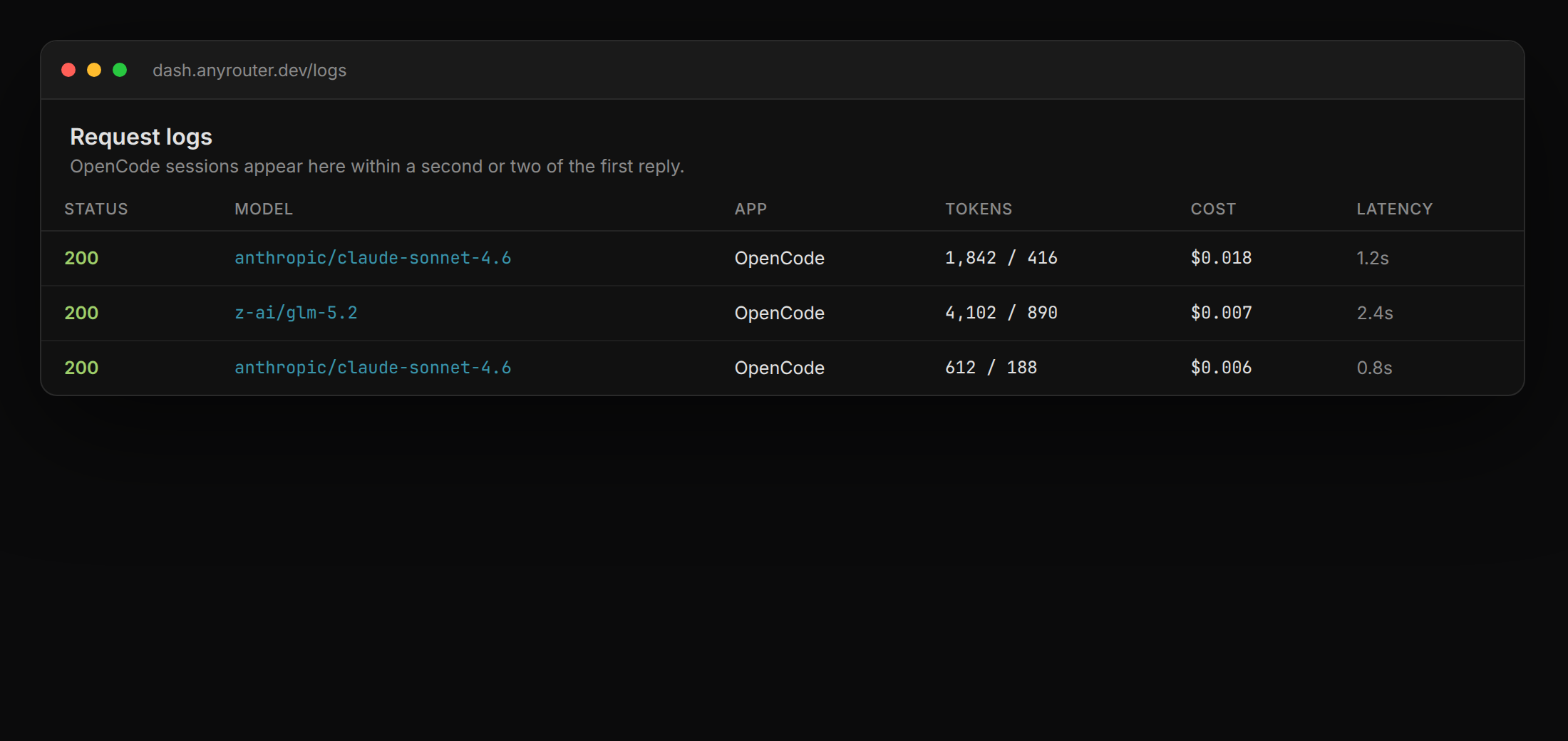
If the row is there, OpenCode is routing through AnyRouter.
MCP tools in the same session
The provider block above is for inference. To let OpenCode call AnyRouter tools (get_credits, list_models, key management), add the MCP server to the same opencode.json — see the MCP guide.
Troubleshooting
401 or 403
Confirm the key is active in your dashboard and that the process OpenCode is running in has ANYROUTER_API_KEY (persistent config) or a stored CLI profile (anyr config get).
Model not found
The models-map key must match an AnyRouter id exactly. Filter the catalog to Chat Completions. The OpenCode default is anyrouter/<id>, not the bare id.
Config is invalid / missing limit.output
OpenCode requires both limit.context and limit.output if limit is set. Add "output": 65536, or omit limit. The CLI writes both.
Wrong provider still answering
A /connect login for OpenCode Zen, or a leftover openai provider, can take precedence when you launch opencode directly. Use /models and pick the anyrouter/… namespace, or launch with anyr opencode so the session-only provider is injected.